 |
|
 |
 |
Support this site |
 |
 Rate your ISP
|
 |
|
 |
 |
Telnet into your router |
 |
|||||||||||||||||||
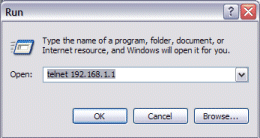
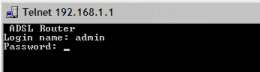
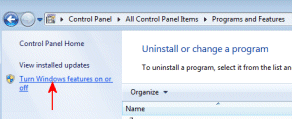
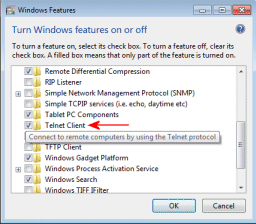
Most routers will allow you to telnet into your router to gain additional information about your line. Some routers such as the Netgears need you to enable debug mode from the web interface first, To start a telnet session
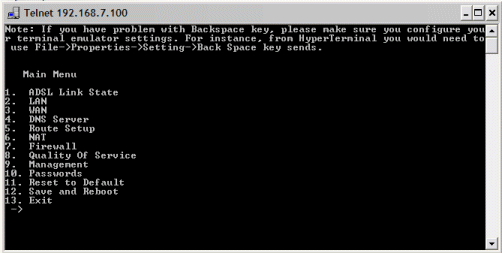
If the login was sucessful you will be presented with the routers CLI (Command Line Interface).
Any changes you make in the CLI are done at your own risk.
|
|||||||||||||||||||||
All rights reserved
Unauthorised reproduction prohibited

|
 |
|
|

|